After the signature (and the refusal)
In short
As soon as your customer signs, you receive an e-mail and the quote (devis) moves to Signed. Your customer receives a receipt on their side, and can download the signed quote from their page. You can produce the evidence dossier at any time, to keep in case someone disputes it.
The signed quote
It is the quote your customer read, without a word of difference, with a « Preuve de signature » (proof of signature) page added at the end. This page states who signed, the date and time to the second, the amount accepted, the drawn signature if they made one, and a code that lets anyone check the document has not been altered. It is downloaded with Télécharger le devis signé (PDF) (download the signed quote) on your customer's signature page, whose link stays valid. On your side, Download the quote (PDF) gives the quote as it was issued, and the evidence dossier carries the fingerprint of the signed quote.
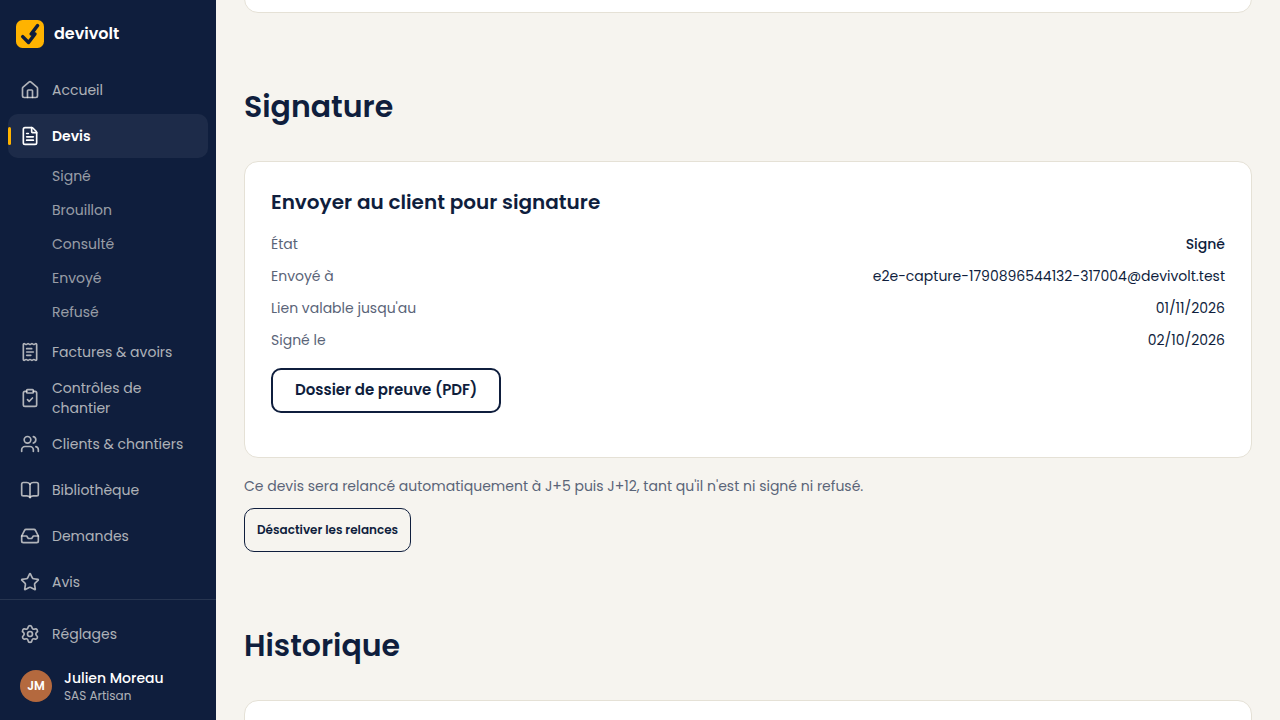
The evidence dossier
The Evidence dossier (PDF) button, in the Send to the client for signature card, gathers the whole story of the signature:
- who sent it, and who signed;
- the final state (signed or declined) and its date;
- the verification codes of the quote and of the signed quote;
- the list of events with their time: link sent, page opened, codes requested, typing errors, signature.
Keep it. Produce it if a customer disputes having accepted the quote.
The refusal
Your customer can decline from the same page, by choosing a reason (price, lead time, another quote chosen, other reason) and adding a detail if they wish. Then:
- the quote moves to Refused, and the reason appears on its screen and in the quote list;
- the link no longer allows signing;
- you are told by e-mail, with the reason;
- the follow-ups stop.
A written reason tells you what to offer next. Duplicate the quote as a variant and fix what was blocking.
And now, the invoice
A signed quote opens invoicing, starting with the facture d'acompte (deposit invoice): see Invoicing a deposit.