Your document settings
In short
These values are used on all your documents: the logo and the color for the look, the payment delay, the penalties, the IBAN and the hourly rate for the content. They apply to your next documents; those already sent do not change.
Nothing is required here: none of these settings blocks issuing. During the setup, the Your documents step counts as done as soon as a logo is uploaded; everything else already has a correct value.
The screen: Settings → Documents.
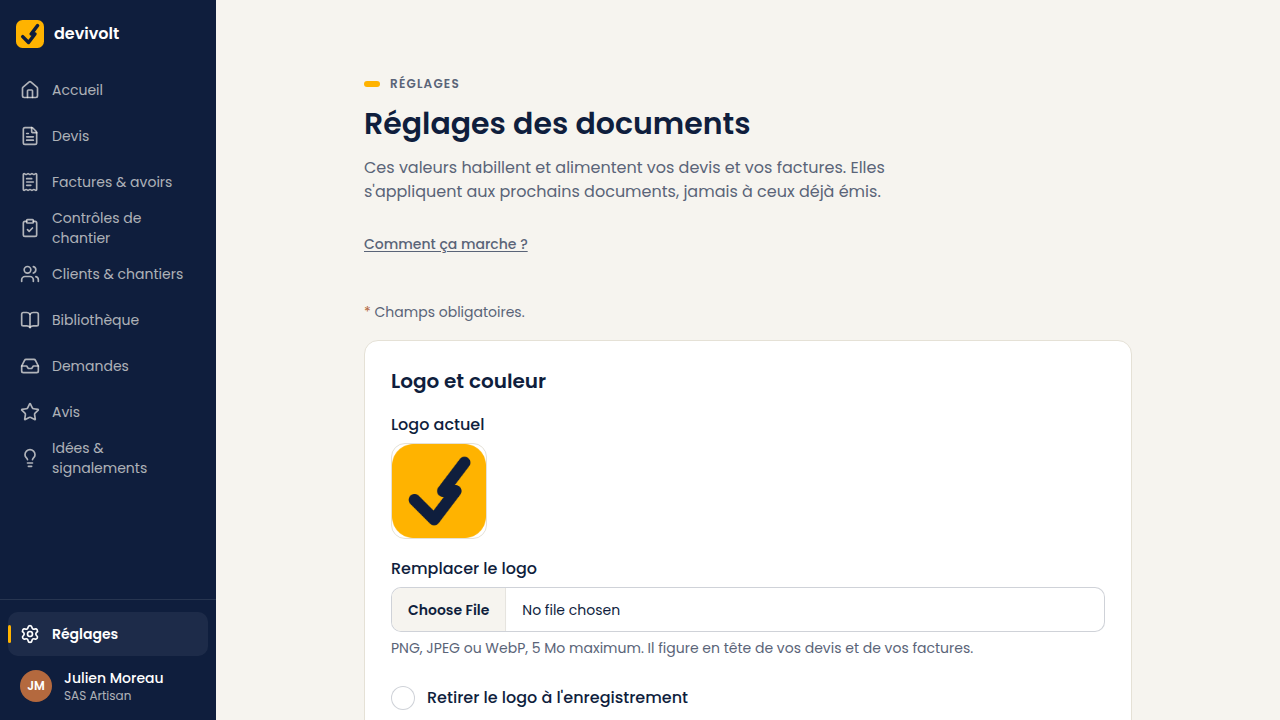
Logo and color
- Logo: PNG, JPEG or WebP, 5 MB maximum. It appears at the top of your quotes and invoices. A file that is too large or in another format is refused, with the reason shown.
- Replacing it: upload a new one.
- Removing it: tick "Remove the logo on save".
- Accent colour: the color of the lines and headings on your documents, chosen among Ink, Copper, Steel and Volt.
Many clients print the quote on a black-and-white printer. A very pale logo becomes invisible there.
Numbering
Two prefixes: the one for your quotes and the one for your invoices (capital letters and digits,
4 characters maximum; D and F to start with). The screen shows the next number straight
away, for example D-2026-0001. Credit notes (avoirs) always carry the prefix AV.
Set the numbering before your first document Your numbers must follow on, with no gap and no duplicate: it is an accounting obligation. Devivolt takes care of it. But changing a prefix mid-year means changing the look of the series halfway through. Set it now, and leave it alone.
Coming from another software mid-year? The card Continue a numbering series mid-year, at the bottom of the screen, sets the number of your next quote, your next invoice and your next credit note — as long as no document of that type has been issued on Devivolt this year. The details: Coming from another software.
Payment
- Payment delay, in days. It sets the due date of your invoices. Between businesses, the law limits this delay to 90 days.
- Late payment penalty rate. The usual value is 11.13%, three times the legal rate. The €40 recovery fee provided by law is added automatically.
- IBAN and BIC. They appear on your invoices so that your clients can pay you. The IBAN is checked as you type. They never appear on a credit note.
Values used on quotes
The hourly rate and the margin on supplies have their own screen: Settings → Pricing — they are what composes the line prices, and the library links straight to it.
- Hourly rate: your labour price. It multiplies the installation time of each work to compose the line price. While it is empty, the prices of the library and of the lines added from it are without labour.
- Margin on supplies: applied to the supply cost of each work, before labour.
- Both show in the library, under How is this price calculated? (see The works library).
- Footer: a free line at the bottom of your documents (500 characters maximum).
- Personal word in the follow-ups: added to your reminder e-mails. The rest of the e-mail does not change; only the tone becomes yours.
What these settings do not change
Any document already sent. If you move your payment delay from 30 to 45 days, yesterday's invoices stay at 30 days: that is what your client accepted.